How to Use Sound Effects in Video Editing
Why Sound Effects Matter in Video Editing
Sound effects are one of the most powerful tools in video editing. While visuals tell the story, sound adds depth, emotion, and clarity. Without proper audio, even high-quality footage can feel flat and unengaging.
Adding simple effects like impact sounds or whoosh transitions can instantly improve the perceived quality of your videos.
Core Types of Sound Effects for Editors
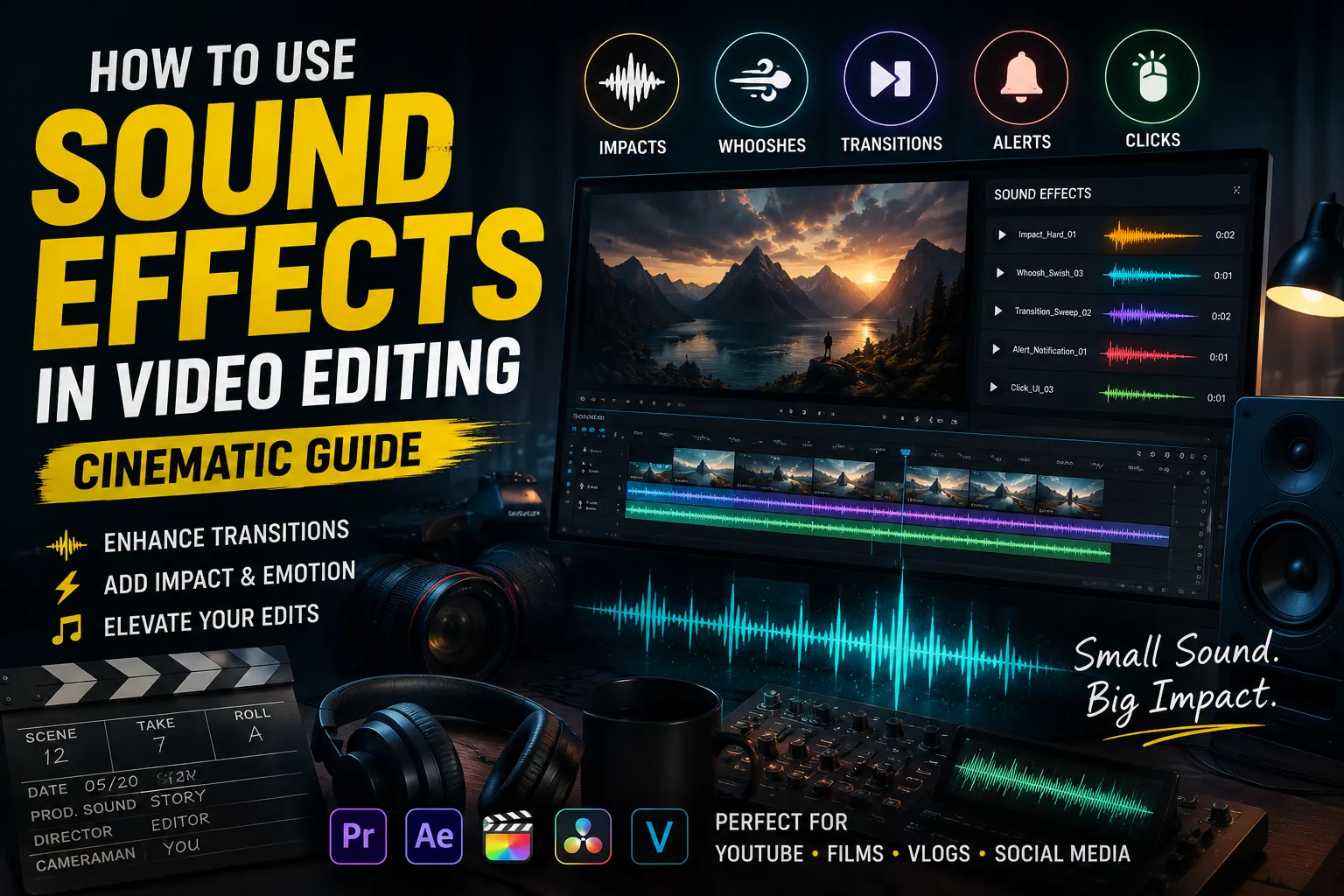
There are several essential categories of sound effects that every video editor should use. Each category helps enhance different aspects of the editing process.
- Impact sounds: impact effects for emphasis
- Whoosh sounds: whoosh sounds for movement
- Transition sounds: transition audio for smooth cuts
- Alert sounds: alert sounds for highlights
- Click sounds: click sounds for UI edits
Using a combination of these sounds creates a more dynamic and engaging editing style.
Using Sound Effects for Transitions
Transitions are one of the most important parts of video editing. Adding transition sounds makes cuts feel smooth and intentional.
For example, pairing a cut with a whoosh sound can create a sense of motion and continuity between scenes.
Enhancing Visual Impact with Audio
Sound effects help emphasize key moments in your video. A strong impact sound can make transitions, cuts, and visual changes feel more powerful.
This technique is commonly used in cinematic editing to create dramatic moments and keep viewers engaged.
Creating Cinematic Edits with Sound
Cinematic editing relies heavily on sound design. Layering multiple sounds such as whoosh effects, impacts, and subtle background audio creates a richer experience.
If you want to go deeper into cinematic sound design, check out our Cinematic Sound Effects Guide.
Using Sound for Rhythm and Flow
Sound effects help establish rhythm in your edits. Well-timed audio cues keep the video moving and prevent it from feeling static.
For example, alternating between impact sounds and whoosh effects creates a natural flow that keeps viewers engaged.
Common Mistakes in Sound Design
One common mistake is overusing sound effects. Too many sounds can overwhelm the viewer and reduce clarity. Another issue is poor timing, where sounds do not match the visuals.
Repetition is also a problem. Using the same sound repeatedly can make the video feel repetitive and unprofessional.
Optimizing Sound for Different Platforms
Different platforms require different sound strategies. YouTube videos often use more dynamic audio, while social media content relies on fast and punchy effects.
Using clear and balanced sounds ensures that your content performs well across all devices.
Where to Find High-Quality Sound Effects
Finding the right sound effects can be challenging. Many free libraries are unorganized and difficult to use.
You can explore a categorized sound library on SoundBankPro, where sounds are organized by tags such as impact, whoosh, and transition sounds.
Advanced Editing Techniques
Professional editors use layering and variation to improve sound quality. Combining multiple elements creates a richer and more immersive experience.
For more advanced techniques, check out our Video Editing Sound Effects Guide.
Final Thoughts
Sound effects are essential for creating high-quality videos. They enhance visuals, improve engagement, and make your edits feel more professional.
By using the right combination of impact, whoosh, and transition sounds, you can significantly improve your video editing workflow.
“Found this useful? Share it 👇”