UI Sound Effects for Apps and UX
Why UI Sound Effects Matter
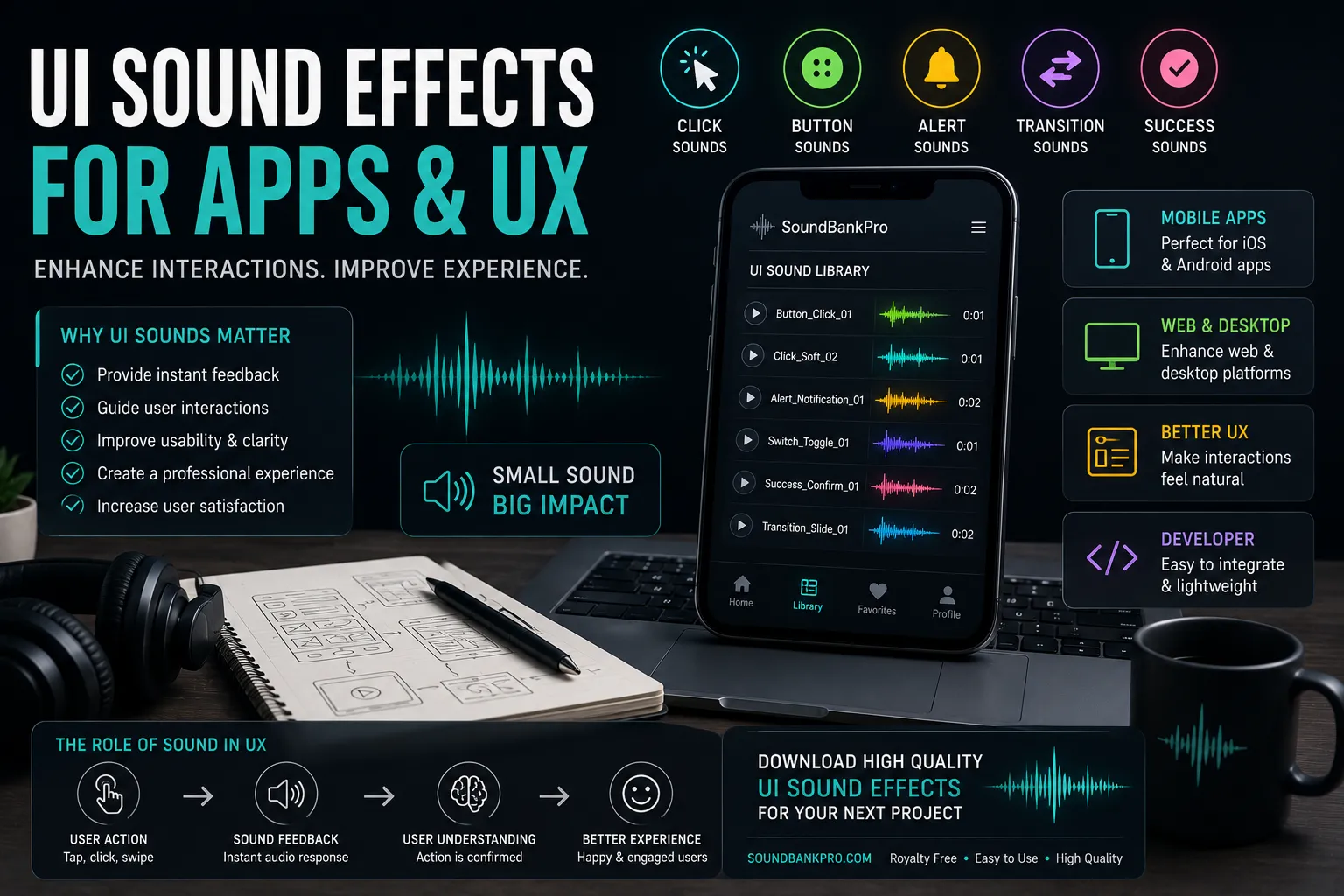
User interface sound effects are essential for creating responsive and engaging digital experiences. While visuals guide users, audio provides feedback that confirms actions and improves usability.
Simple sounds like a click sound or button sound help users understand that their actions have been registered. Without audio feedback, interfaces can feel unresponsive and incomplete.
Types of UI Sound Effects
UI sound design includes several categories that support different types of interactions. Each one plays a role in improving the user experience.
- Click sounds: click effects for basic interactions
- Button sounds: button audio for confirmations
- Alert sounds: alert sounds for notifications
- Transition sounds: transition effects for navigation
- Feedback sounds: subtle confirmation audio
Using these sounds correctly improves clarity and usability.
Improving User Feedback with Sound
Sound effects provide immediate feedback for user actions. For example, a click sound confirms a tap, while an alert sound notifies users about important events.
This feedback loop helps users feel more connected to the interface and improves overall satisfaction.
Using Sound in Mobile Apps
Mobile apps rely heavily on UI sounds because interactions are frequent and fast. Clean button sounds and clear alerts help guide users through the experience.
Because mobile devices have smaller speakers, it is important to use simple and well-balanced audio.
Creating Consistent Audio Design
Consistency is key in UI sound design. Using similar styles of click and alert sounds creates a cohesive experience across the app.
Inconsistent audio can confuse users and reduce the perceived quality of the product.
Using Transition Sounds in Interfaces
Navigation can be enhanced with subtle transition sounds. These sounds help users understand movement between screens and sections.
Combined with visual transitions, they create a smoother and more intuitive experience.
Balancing Audio for Better UX
UI sounds should be subtle and not overwhelming. Loud or repetitive sounds can quickly become annoying and reduce usability.
Proper balance ensures that important sounds such as alerts are clearly audible without distracting the user.
Common Mistakes to Avoid
One common mistake is overusing sound effects. Too many sounds can clutter the experience and make the interface feel chaotic.
Another issue is poor timing. Sounds must match the interaction precisely to feel natural.
Where to Find UI Sound Effects
Finding high-quality UI sounds can be difficult. Many libraries are either limited or poorly organized.
You can explore a categorized sound library on SoundBankPro, where sounds are organized by tags such as click, button, and alert.
Advanced UX Sound Techniques
Professional designers often use subtle variations to improve the user experience. Small changes in pitch or timing can make interactions feel more natural.
For deeper techniques, check out our UI Sound Effects Guide.
Final Thoughts
UI sound effects are essential for creating responsive and engaging applications. They improve feedback, guide user actions, and enhance the overall experience.
By using the right combination of click, button, and alert sounds, you can significantly improve your app’s usability and design.
“Found this useful? Share it 👇”