UI Sound Effects Guide
What Are UI Sound Effects?
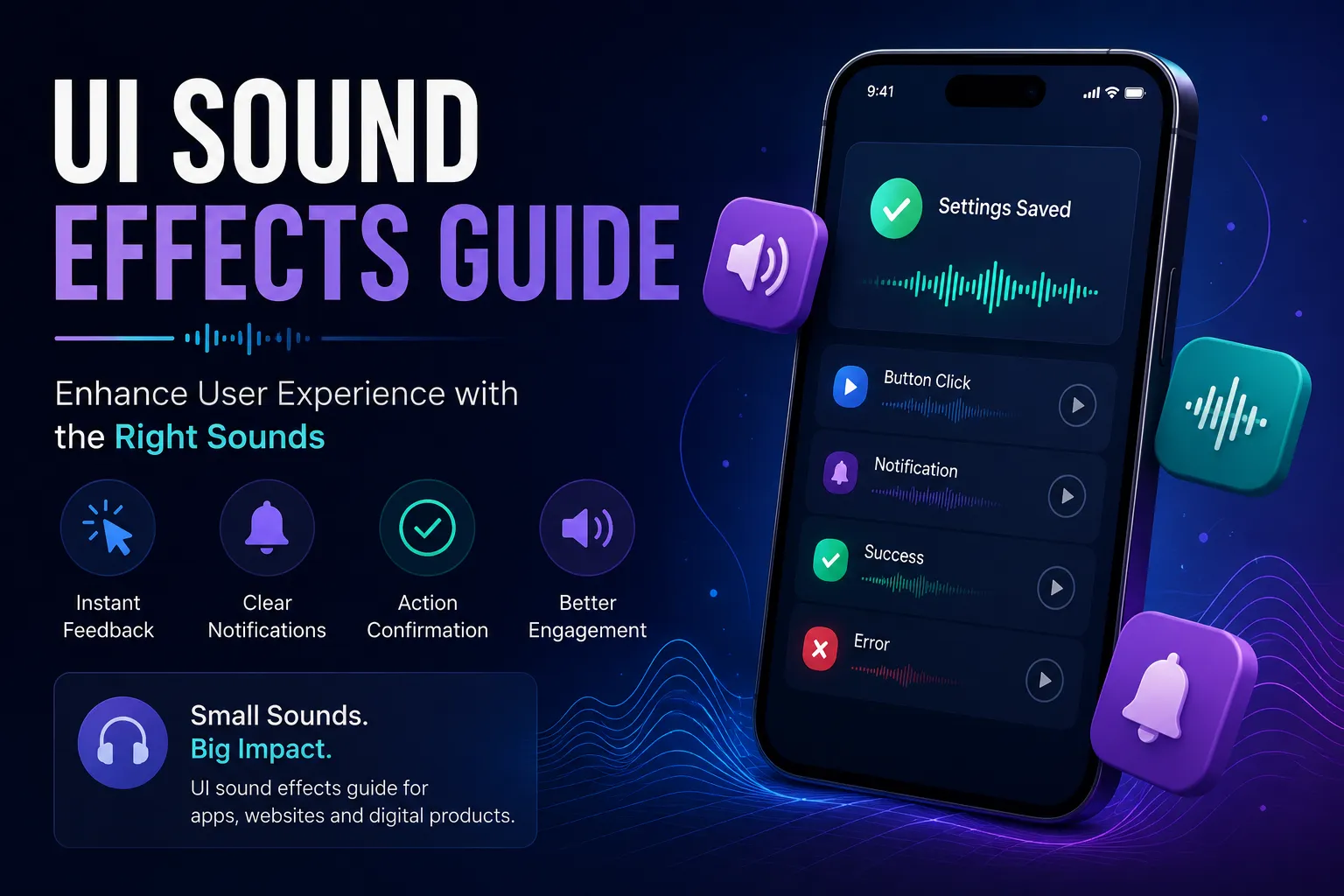
UI sound effects are short audio cues used in digital interfaces to provide feedback and improve user interaction. These sounds are commonly triggered when users perform actions such as clicking buttons, opening menus, or completing tasks. Unlike cinematic audio, UI sounds are subtle and functional, designed to enhance usability rather than dominate attention.
They help create a sense of responsiveness and clarity in digital environments. For example, a soft click sound can confirm an action instantly, making interactions feel more natural and intuitive.
Why UI Sounds Matter in User Experience
User experience depends heavily on feedback. Without audio cues, interactions can feel delayed or unclear. UI sound effects provide immediate confirmation that an action has been completed, reducing confusion and improving usability.
In modern applications, even the smallest details matter. A well-designed button sound can make an interface feel polished and responsive. These subtle improvements add up, creating a smoother and more engaging user experience.
Common Types of UI Sound Effects
UI sounds can be grouped based on their function within an interface. Each type serves a specific purpose and should be used carefully to avoid overwhelming users.
- Click sounds: Used for selections and interactions
- Button sounds: Provide feedback for taps and presses
- Menu sounds: Indicate navigation between interface elements
- Confirmation sounds: Signal successful actions
- Error sounds: Warn users of issues
For example, menu sounds help users understand navigation flow, especially in complex applications or games.
Where UI Sound Effects Are Used
UI sound effects are used across a wide range of digital products. In mobile apps, they confirm taps and gestures. In web interfaces, they provide feedback for clicks and form interactions. In games, they guide players through menus and inventory systems.
Operating systems also rely heavily on UI sounds. From system alerts to file interactions, these sounds help users understand what is happening without needing to rely solely on visuals.
Best Practices for Using UI Sounds
Using UI sound effects effectively requires balance. Overusing sounds can overwhelm users, while underusing them can make interactions feel empty. The goal is to enhance the experience without becoming distracting.
Sounds should be short, subtle, and consistent. For example, using the same style of click sounds across an application creates a cohesive experience. Inconsistent audio design can make interfaces feel unpolished.
It is also important to test sounds in real environments. A sound that feels appropriate in isolation may be too loud or repetitive during actual use.
Designing UI Sounds for Different Platforms
Different platforms require different sound design approaches. Mobile devices often need softer and shorter sounds due to hardware limitations. Desktop applications can support richer audio, while web interfaces should prioritize lightweight files for fast loading.
Performance plays a key role in user experience. Optimized audio files ensure that sounds load quickly and do not negatively impact performance, especially on slower devices.
Examples of UI Sound Effects in Real Applications
Real-world applications use UI sounds to improve interaction quality. Messaging apps use subtle sounds for incoming messages, while e-commerce platforms use confirmation sounds for purchases. Productivity tools often include audio cues for completed actions.
Even simple interactions like opening a dropdown menu or pressing a button benefit from audio feedback. These small details make interfaces feel more responsive and engaging.
Common Mistakes to Avoid
One of the biggest mistakes is using too many sound effects. Excessive audio can overwhelm users and reduce usability. Another issue is inconsistency, where different sounds are used without a clear pattern.
Sounds that are too loud or too long can also disrupt the experience. Keeping UI sounds short and subtle ensures they enhance rather than distract from the interface.
Final Thoughts
UI sound effects are a powerful tool for improving digital experiences. When used correctly, they provide feedback, guide users, and create a more engaging interface.
By focusing on clarity, consistency, and usability, you can use UI sounds to make your applications feel more professional and responsive. Explore more sounds on SoundBankPro and improve your projects with better audio design.
How UI Sound Effects Improve Accessibility
UI sound effects also play an important role in accessibility. Not all users rely solely on visual feedback, and audio cues can provide an additional layer of interaction. For example, subtle click sounds can help users confirm actions without constantly watching the screen.
In applications designed for visually impaired users, sound becomes even more important. Clear and consistent audio feedback helps users navigate interfaces more easily. Even simple cues such as button sounds can improve usability and make digital products more inclusive.
UI Sound Effects in Modern Design Trends
Modern UI design trends focus on minimalism and speed, and sound design follows the same direction. Today’s interfaces use short, clean, and subtle audio cues instead of loud or complex sounds. This ensures that the experience remains smooth and non-intrusive.
Micro-interactions have become a key part of modern design. Small actions like opening a menu or switching tabs often include subtle menu sounds that enhance the experience without drawing too much attention. These details help create a more refined and professional feel.
How to Test UI Sounds Effectively
Testing is a crucial step when implementing UI sound effects. Sounds that work well in isolation may feel repetitive or distracting when used frequently. It is important to test audio in real scenarios and observe how users react to it.
Try different volume levels and variations to find the best balance. Repeated click sounds should feel natural and not annoying over time. User feedback can also help identify which sounds improve the experience and which ones need adjustment.
Future of UI Sound Effects
As technology continues to evolve, UI sound design is becoming more sophisticated. With the rise of smart devices, voice interfaces, and immersive environments, sound plays a bigger role in interaction design than ever before.
Developers and designers who pay attention to audio details will have an advantage in creating engaging products. Even simple improvements, such as better button feedback or smoother transitions, can significantly enhance the user experience.
“Found this useful? Share it 👇”